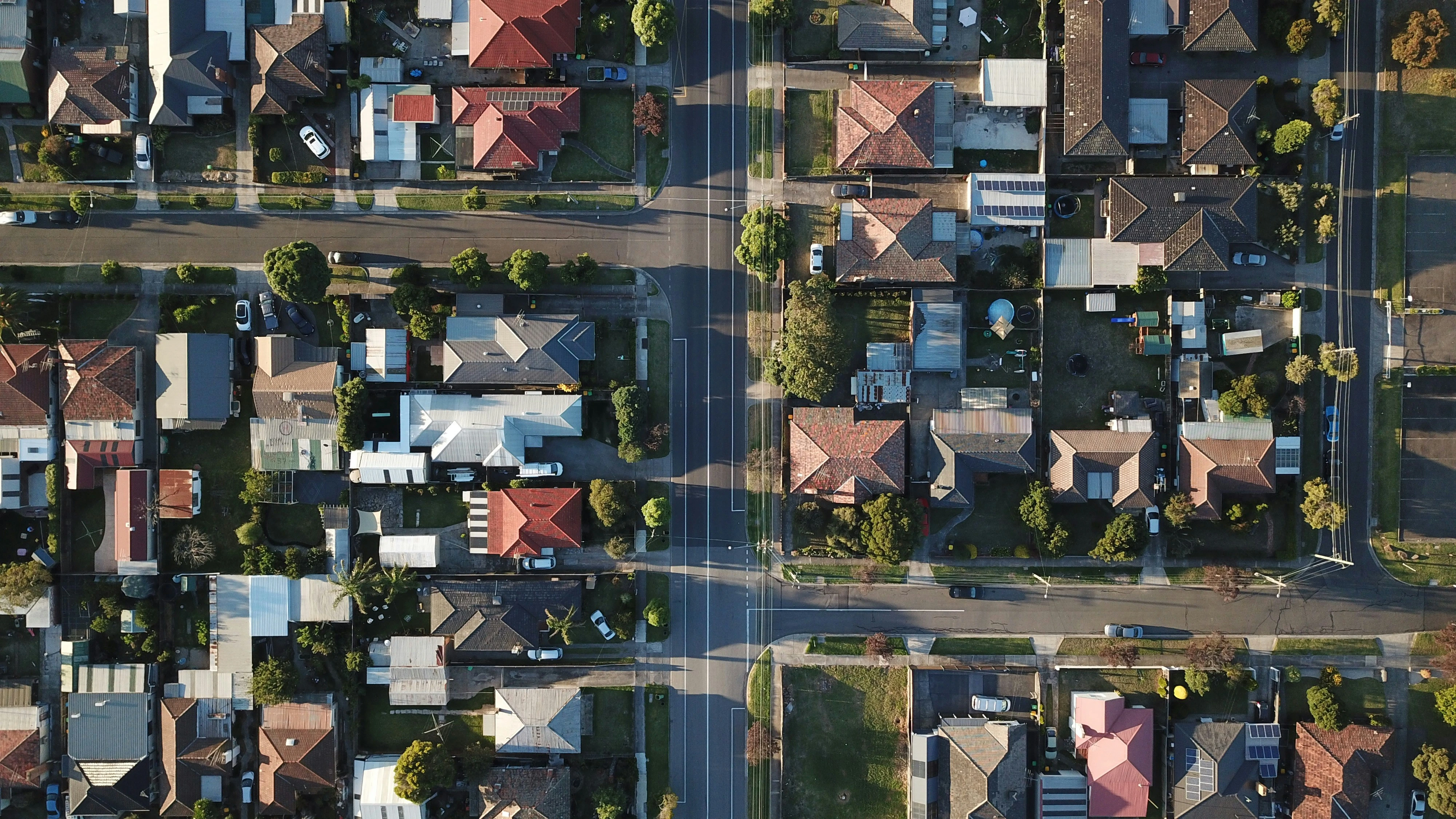
Not every home in Australia gets its internet delivered the same way. Some have fibre running right to the wall. Some have fibre to a box down the street and old copper phone line for the last stretch. Some get it beamed from a tower.
That's your nbn® connection type, and it matters more than most people realise. It decides how fast your internet can go, what equipment you need, and sometimes whether you can upgrade.
Here's what the seven types are, where each one is typically used, and how to find out which one is at your address.
What Is An nbn® Connection Type?
Your nbn® connection type is the method used to get the internet from the national network into your home.
When the nbn® was built, running brand new fibre to all eleven million premises in the
country wasn't practical. So instead of one technology, nbn® Co uses seven, chosen area by area based on what infrastructure was already in the ground. The official name for that approach is the Multi Technology Mix, and if you see that phrase on nbn® or provider websites, it just means "the seven different connection types" and nothing more.
You don't get to choose which one you have. Instead, your address determines it. Two houses on the same street usually have the same type, but an apartment block and the townhouses next door often don't.
The Three Categories
The seven types fall into three groups, and the group tells you most of what you need to know.
Fixed line. A physical cable runs to your property. Covers FTTP, FTTB, HFC, FTTC and FTTN. This is how most Australian homes are connected, and it's the group with the widest range of speeds.
Fixed wireless. No cable. An antenna on your roof talks to a nearby nbn® tower. Used where homes are too spread out to justify running cable, so it's the common connection in rural towns.
Satellite. A dish at your property connects to an nbn® satellite. Used where there's no tower in reach either.
The Seven Types At A Glance
| Connection Type | What It Means | Where It's Typically Found | What To Expect |
|---|---|---|---|
| FTTP Fibre To The Premises | Fibre runs the whole way to a box on your wall | Newer estates, upgraded homes, some inner city areas | The best available. Every speed tier, consistent performance |
| FTTB Fibre To The Building | Fibre to the building's comms room, then existing internal wiring to each unit | Apartment blocks and unit complexes | Consistent speeds, because the last run is short |
| HFC Hybrid Fibre Coaxial | Fibre to your street, then the old pay TV cable into your home | Suburbs that had Foxtel or Optus cable in the 90s | Handles high speeds well |
| FTTC Fibre To The Curb | Fibre to a pit or pole just outside your property, then a few metres of copper | Established suburbs, often mixed in among FTTN areas | Consistent speeds, but usually capped at 100Mbps |
| FTTN Fibre To The Node | Fibre to a green cabinet in your neighbourhood, then copper phone line the rest of the way | Older suburbs and regional towns | Varies a lot. Distance from the cabinet limits your top speed |
| Fixed Wireless | Rooftop antenna connecting to an nbn® tower | Regional and rural areas, outer suburbs where homes are spread out | Solid speeds. Better than a lot of people assume |
| Sky Muster Satellite | Dish at your property connecting to an nbn® satellite | Remote properties, islands, anywhere without tower coverage | Built for places nothing else reaches |
Fixed Line: What Actually Separates Them
The five fixed line types come down to one question: how close does the fibre get to your front door before something older takes over?
The closer the fibre, the faster and more consistent your connection.
FTTP is the top of the list because nothing older is involved at all. Fibre from the network straight to a box on your wall. Your speed doesn't change based on how far you live from anything, and every speed tier is available.
FTTB and FTTC sit close behind. In both cases fibre gets very close and the older wiring only covers a short final stretch, so there's not much room for the signal to degrade. All that is limited is your speeds, depending on your internal wiring.
HFC uses the coaxial cable that was laid for pay TV, which was built to carry a lot of data. It performs well.
FTTN is the one to watch. The copper run from the green cabinet to your house can be hundreds of metres, and copper loses signal over distance. Two houses on the same FTTN street can get noticeably different speeds purely because one is further from the node. Copper wiring isn't capable of delivering higher speed tiers, so your plan choices may also be limited.
If you're on FTTN or FTTC, check whether your address is eligible for a free upgrade to full fibre. A lot of homes are, and most people have no idea. If you live in an apartment or a strata complex, there's a separate program for whole buildings that your body corporate can register for.
Fixed Wireless And Satellite: Where Cable Doesn't Reach
Australia is a big country, so running cable to every property wasn't viable. Instead, these two cover the rest.
Fixed Wireless serves regional and rural Australia, plus outer suburban areas where properties are spread far enough apart that cable is hard to run between properties. An antenna is installed on your roof and connects to an nbn® tower, usually within about 14 kilometres. There's still a small box inside the house that your modem plugs into, so it works much like a fixed line connection day to day.
It's also improved a lot. The speeds available on Fixed Wireless have more than doubles over the years, and plenty of regional households are getting a better connection than relatives in town who are stuck on a long copper FTTN run.
Sky Muster Satellite covers the most remote parts of the country. Properties with no tower in range, islands, and very isolated areas. A dish is installed and connects to one of two nbn® satellites. For those addresses, it's the difference between having nbn® and not.
How To Check Your Connection Type
Check your address. Enter your full address on the official nbn® address checker or on your provider's site. Include your unit number, because apartments and houses at the same street address are often on different technologies.
When the result comes back, look for two things: the current technology at your address, and any planned or available upgrade. Those aren't the same. A planned upgrade means your address is in line for one at some point. An available upgrade means you can act now. nbn® Co has a full set of FAQs on what each result means.
Look at your equipment. If you can't check online, your hardware is also a good telltale sign:
- White nbn® box on an internal wall with several ports underneath: FTTP or HFC
- Small nbn® device sitting between your phone socket and your modem: FTTC
- Modem plugged straight into a phone wall socket, no nbn® box anywhere: FTTN
- Antenna on the roof: Fixed Wireless
- Satellite dish: Sky Muster
Why Your Connection Type Matters
It caps your speed. Not every plan will be available to your connection type. FTTN and FTTC connection types usually have capped speeds of 100Mbps, so higher speed tiers won't be available to you. Check what your address supports before you upgrade, and have a look at our guide to which nbn® speed tier you actually need to see how much speed your household needs.
It determines your equipment. A modem built for FTTN plugs into a phone socket. An FTTP modem plugs into the nbn® box with an ethernet cable. They aren't interchangeable, so if you're moving house or your connection type is changing, check your modem still fits.
It may be upgradeable. If you're on FTTN or FTTC, you may be able to get full fibre installed at no cost when you take up an eligible plan. See our free fibre upgrade page for what's involved.
The old copper is going away. nbn® is progressively retiring FTTN connections and moving those homes onto full fibre, with all remaining FTTN addresses due to be upgraded by 2030. If you're on FTTN, an upgrade isn't just an option, it's coming eventually. Doing it on your terms is easier than waiting for it to happen to you.
Check Your Address, Then Pick Your Plan
Seven connection types across three groups: five fixed line, one fixed wireless, one satellite. You don't choose which one you get, but knowing which one you have tells you what speeds are realistic, what equipment you need, and whether an upgrade is sitting there waiting for you.
Check your address with Ezi Broadband to see what's available where you live and what it costs to get connected. Or just call us. Our support team is here in Australia and happy to talk it through.